

Runpod: review, test, pricing and alternatives (2026)
Rent cloud GPUs by the second to train and run your AI models.
Runpod — Rent cloud GPUs by the second to train and run your AI models. Developers and AI teams that need to train, fine-tune or deploy models without investing in GPU hardware. Editorial rating: 4/5 (Solid).
What is Runpod?
Runpod is an infrastructure platform: instead of buying a graphics card costing thousands, you rent GPU power on demand, billed by the second. You pick the card (RTX 4090, A100, H100, H200…), spin up a "pod" from a ready-made template (PyTorch, ComfyUI, etc.), and work on it over SSH, a notebook or the API.
Two uses dominate. On-demand pods are for training or fine-tuning a model, or simply running something heavy (Stable Diffusion, a local LLM) without your own hardware. The "serverless" mode exposes a model as an endpoint that autoscales, drops to zero when nobody calls it, and cold-starts in a few hundred milliseconds — handy for putting an AI into production without paying for a server running 24/7. Two catalogues coexist: the cheaper Community Cloud, hosted by individuals, and the datacenter-grade Secure Cloud.
Worth knowing before you start: this is not a consumer tool. You need to be comfortable with Docker, the command line and SSH; there is no free tier (you load credits); availability of the most in-demand GPUs fluctuates; and above all, a forgotten pod keeps billing as long as it runs. For a developer or an AI team, though, it's one of the cheapest ways to get serious GPU access.
Runpod review: our hands-on test
Runpod
Official visual coming soon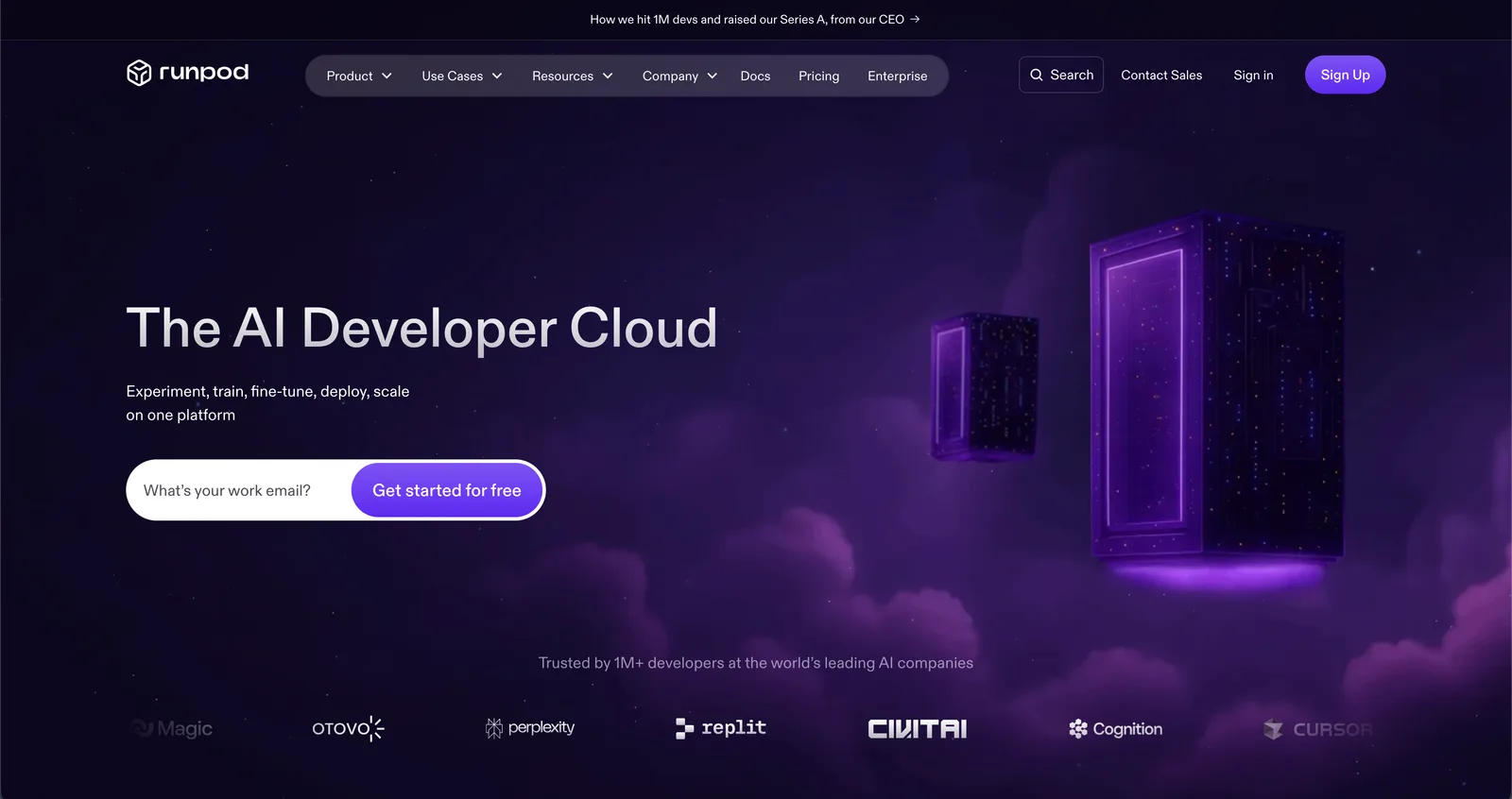
One of the cheapest ways to get serious GPU access, with a genuinely handy serverless mode — provided you're technical and remember to shut your pods down.
Runpod pricing
| Plan | Pricing | Includes |
|---|---|---|
| Community Cloud | RTX 4090 from $0.34/hr | Community-hosted machines, the lowest rate |
| Secure Cloud | RTX 4090 ~$0.69/hr · H100 ~$2.89/hr | Datacenter GPUs, for production workloads |
| Serverless | Per second, scales to zero | Autoscaling endpoints with fast cold starts |
Pricing verified in June 2026, subject to change — check the official site.
Pros and cons
Strengths
- Per-second billing, no subscription
- 30+ GPU models, from RTX 4090 to H200
- Serverless mode: autoscaling, scale to zero
- Ready-made templates (PyTorch, ComfyUI…) and no egress fees
Weaknesses
- For technical users only (Docker, SSH, command line)
- No free tier: you have to load credits
- A forgotten pod keeps billing as long as it runs
- Availability of in-demand GPUs varies; uneven reliability on Community Cloud
Who is it for?
Developers and AI teams that need to train, fine-tune or deploy models without investing in GPU hardware.
Use cases
Runpod vs n8n
Runpod in video
Frequently asked questions
- Is Runpod free?
- Runpod is a paid tool (Usage-based, billed per second: RTX 4090 from $0.34/hr · A100 80GB ~$1.39/hr · H100 ~$2.89/hr · storage $0.05/GB/mo), with no permanent free plan (a trial is sometimes available).
- Who is Runpod for?
- Developers and AI teams that need to train, fine-tune or deploy models without investing in GPU hardware.
- What are the alternatives to Runpod?
- Alternatives to Runpod include: n8n, Netlify, Dify. Compare them to choose based on your needs and budget.
Best alternatives to Runpod

n8n
Open-source, self-hostable automation, with a dash of AI.

Netlify
NewDeploy and host web sites and apps, now with AI in the loop.

Dify
NewThe open-source platform to build LLM apps and agents.