
Miro: review, test, pricing and alternatives (2026)
The infinite collaborative whiteboard, with AI on board.
Miro — The infinite collaborative whiteboard, with AI on board. Teams running workshops, brainstorming and diagrams remotely. Editorial rating: 4/5 (Recommended).
What is Miro?
Miro is the go-to online whiteboard: brainstorming, workshops, diagrams, user journeys — all in real time, together. Its AI generates sticky notes, clusters ideas, creates diagrams and summarizes a board in one click.
The caveats: AI features run on "credits" depending on the plan, and a large board can quickly get messy without some method. But to run a remote workshop or map out ideas as a group, few tools are this smooth.
Miro review: our hands-on test
Miro
Official visual coming soon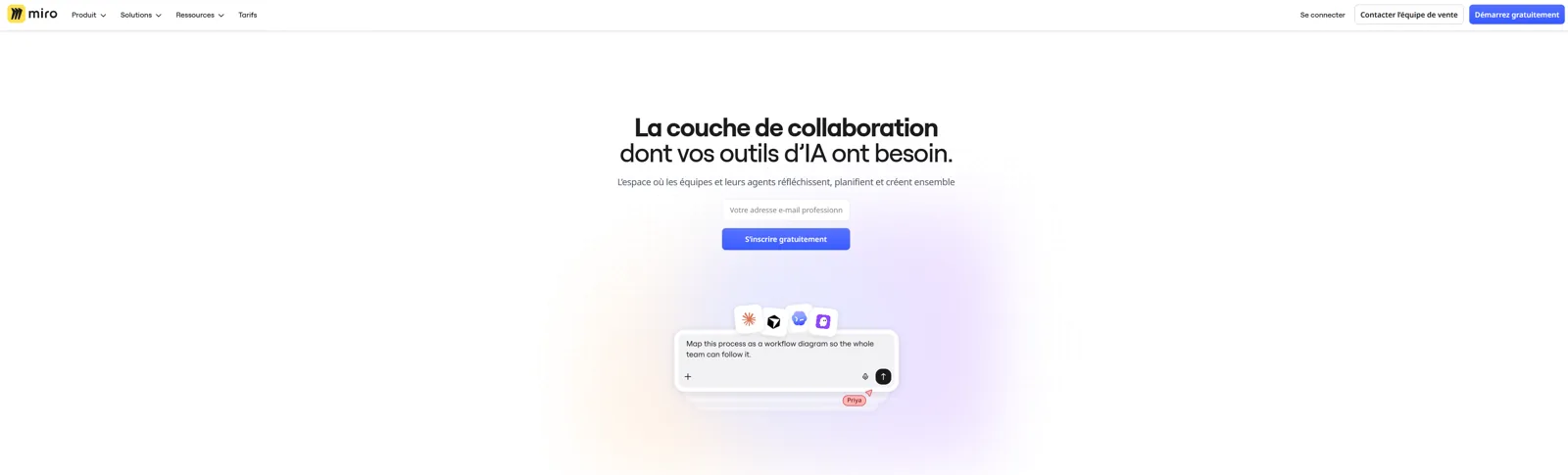
The best collaborative whiteboard; the AI saves time but eats credits.
Miro pricing
Pricing verified in June 2026, subject to change — check the official site.
Pros and cons
Strengths
- Infinite real-time collaborative canvas
- AI (sticky notes, diagrams, summaries)
- Huge template library
- Real free tier
Weaknesses
- AI limited by credits per plan
- Boards get cluttered fast
- Full potential is paid
Who is it for?
Teams running workshops, brainstorming and diagrams remotely.
Use cases
Miro vs Gamma
Miro in video
Frequently asked questions
- Is Miro free?
- Miro offers a free version, then paid plans (Free · Starter $8/member/mo (annual) · Business $20 · Enterprise on quote).
- Who is Miro for?
- Teams running workshops, brainstorming and diagrams remotely.
- What are the alternatives to Miro?
- Alternatives to Miro include: Gamma, Imagen AI, Beautiful.ai. Compare them to choose based on your needs and budget.
Best alternatives to Miro
Gamma
Create presentations, documents and sites from a prompt.

Imagen AI
The AI that culls and edits your photos in your own style, across a whole shoot.

Beautiful.ai
AI presentation software with auto-laid-out smart slides.