

Imagen AI: review, test, pricing and alternatives (2026)
The AI that culls and edits your photos in your own style, across a whole shoot.
Imagen AI — The AI that culls and edits your photos in your own style, across a whole shoot. Pro photographers (weddings, portraits, events) who want to automate culling and editing without losing their style. Editorial rating: 4/5 (Recommended).
What is Imagen AI?
Imagen AI (imagen-ai.com) has nothing to do with Google's "Imagen" model: it's a post-production assistant for professional photographers (weddings, portraits, events). The principle: it learns YOUR editing style from your past edits — a "Personal AI Profile" — then applies those settings to entire shoots straight inside Adobe Lightroom: exposure, white balance, tones, cropping, straightening, subject masking.
Where it changes the game is time saved: culling then editing thousands of RAWs drops from hours to minutes, with a result faithful to your signature rather than a generic filter. You can also start from "Talent AI" profiles built by well-known photographers before you've trained your own.
The owned caveats: you must upload your RAWs to the cloud (worth clearing on the client-privacy side), style fidelity depends on a well-trained profile, and the pricing (per-image then subscription) can sting at low volumes. For a studio that shoots a lot, though, the return on time is hard to beat.
Imagen AI review: our hands-on test
Imagen AI
Official visual coming soon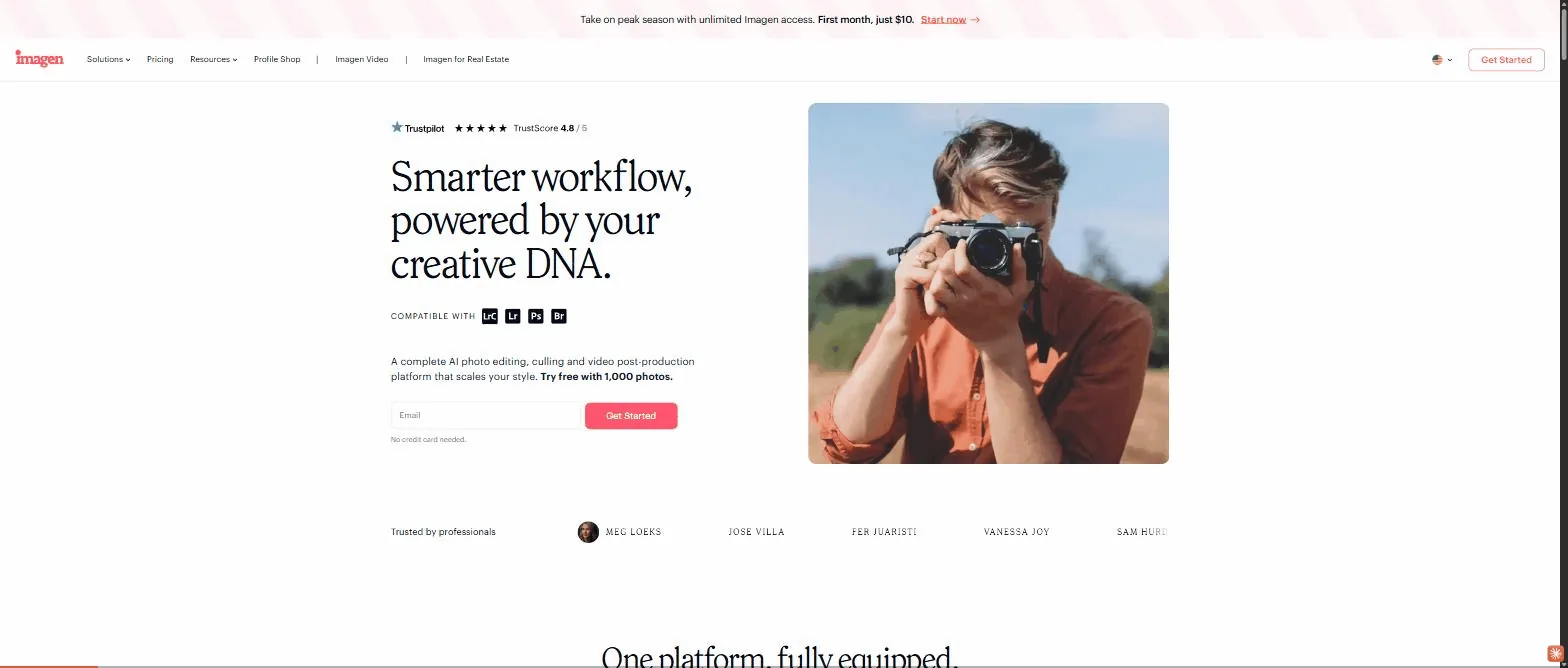
A massive time-saver for photographers shooting at volume — provided you accept the cloud and train your profile well.
Imagen AI pricing
Indicative pricing (June 2026), subject to change — check the official site.
Pros and cons
Strengths
- Edits in YOUR style (Personal AI Profile)
- Culling and editing of whole shoots in minutes
- Direct Adobe Lightroom integration
- Profiles built by well-known photographers (Talent AI)
Weaknesses
- RAWs uploaded to the cloud (privacy to clear)
- Style fidelity depends on the trained profile
- Per-image/subscription cost stings at low volumes
Who is it for?
Pro photographers (weddings, portraits, events) who want to automate culling and editing without losing their style.
Use cases
Imagen AI vs Gamma
Imagen AI in video
Frequently asked questions
- Is Imagen AI free?
- Imagen AI is a paid tool (Free trial · per-image then subscription — see Imagen AI), with no permanent free plan (a trial is sometimes available).
- Who is Imagen AI for?
- Pro photographers (weddings, portraits, events) who want to automate culling and editing without losing their style.
- What are the alternatives to Imagen AI?
- Alternatives to Imagen AI include: Gamma, Miro, Beautiful.ai. Compare them to choose based on your needs and budget.
Best alternatives to Imagen AI

Gamma
Create presentations, documents and sites from a prompt.
Miro
The infinite collaborative whiteboard, with AI on board.

Beautiful.ai
AI presentation software with auto-laid-out smart slides.