
Gamma: review, test, pricing and alternatives (2026)
Create presentations, documents and sites from a prompt.
Gamma — Create presentations, documents and sites from a prompt. Those who want to quickly produce a presentable presentation or document without fighting layout. Editorial rating: 4/5 (Recommended).
What is Gamma?
Gamma takes on a chore everyone knows: the hours lost in PowerPoint aligning boxes, picking fonts and redoing the layout of slide 7. Its bet: you describe a topic or paste an outline, and it proposes a structure, writes the content and applies consistent formatting. You land straight at the 'edit a nice draft' stage instead of starting from a blank page.
Its real strength is the output: 'gammas' are modern, responsive and editable live, with generated themes, images and charts — and the format goes beyond the plain slide, since you can produce a presentation, a document or a mini web page. For a presentable deck, a sales proposal or a quick page, the time saved is dramatic.
The limits are worth knowing: you get less pixel-perfect control than PowerPoint on fine layout, the free tier adds a watermark and credits, and the 'Gamma' style ends up recognizable from one deck to the next. For a razor-sharp agency presentation you'll go back to a classic tool; for 90% of everyday needs, Gamma is more than enough.
Our verdict: for a presentable deck, a proposal or a quick web page, Gamma saves a huge amount of time and gets our recommendation. For a pixel-perfect, agency-grade presentation, go back to PowerPoint or a design tool — but for everyday needs, Gamma is more than enough.
Gamma review: our hands-on test
Gamma
Official visual coming soon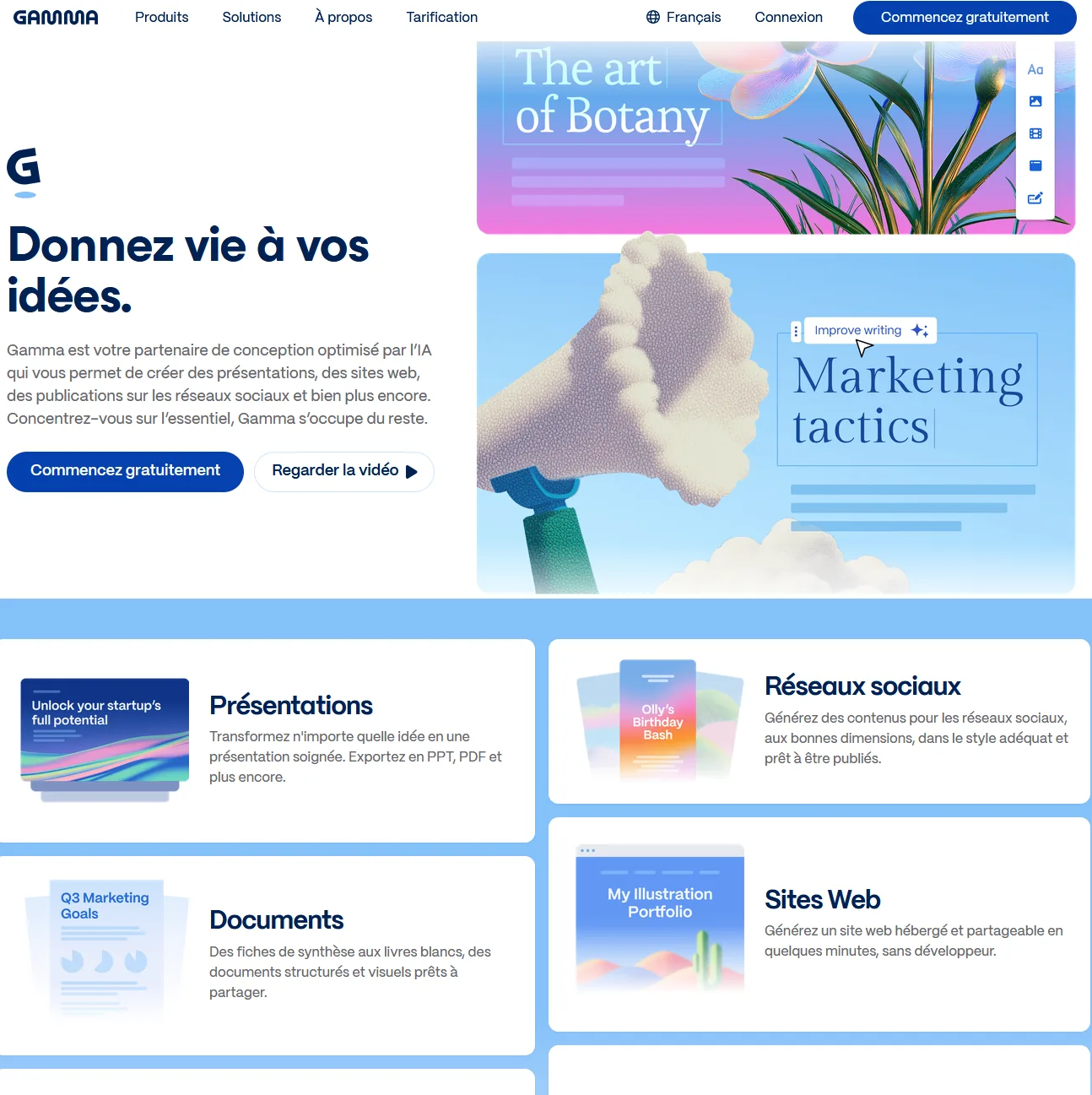
The fastest way to a presentable deck. For pixel-perfect layout you'll go back to a classic tool, but for 90% of needs, Gamma is enough.
Gamma pricing
Pricing verified in June 2026, subject to change — check the official site.
Pros and cons
Strengths
- Presentation/document/page generated in minutes
- Modern, responsive output
- Live editing, themes and images
- Huge time saver on decks
Weaknesses
- Less fine layout control than PowerPoint
- Watermark and limits on the free tier
- Recognizable 'Gamma' style at times
Who is it for?
Those who want to quickly produce a presentable presentation or document without fighting layout.
Use cases
Gamma vs Miro
Gamma in video
Frequently asked questions
- Is Gamma free?
- Gamma offers a free version, then paid plans (Free (credits) · from $10/mo).
- Who is Gamma for?
- Those who want to quickly produce a presentable presentation or document without fighting layout.
- What are the alternatives to Gamma?
- Alternatives to Gamma include: Miro, Imagen AI, Beautiful.ai. Compare them to choose based on your needs and budget.
Best alternatives to Gamma
Miro
The infinite collaborative whiteboard, with AI on board.

Imagen AI
The AI that culls and edits your photos in your own style, across a whole shoot.

Beautiful.ai
AI presentation software with auto-laid-out smart slides.