

Pixlr: review, test, pricing and alternatives (2026)
The affordable browser photo editor, boosted with AI tools.
Pixlr — The affordable browser photo editor, boosted with AI tools. Those who want a full, affordable browser photo editor with AI. Editorial rating: 4/5 (Recommended).
What is Pixlr?
Pixlr is a veteran of the 'Photoshop in the browser' idea: well before the AI wave, it was already the online photo editor you'd turn to for a quick retouch without installing software or paying an Adobe license. It stayed relevant by grafting AI tools onto its classic kit: generation, object and background removal, generative fill, upscaling.
Its positioning hasn't changed: accessibility and price. You do everyday retouching and quick visuals (posters, posts) with a real editor interface — layers, tools, filters — without a pro tool's complexity or cost.
Its limits are consistent with that niche: the free tier comes with ads, it stays less powerful than Photoshop on demanding work, and pricing varies by region. For anyone who wants a full, affordable web editor with AI as a bonus, it's a good compromise. Check plans on the official site.
Pixlr review: our hands-on test
Pixlr
Official visual coming soon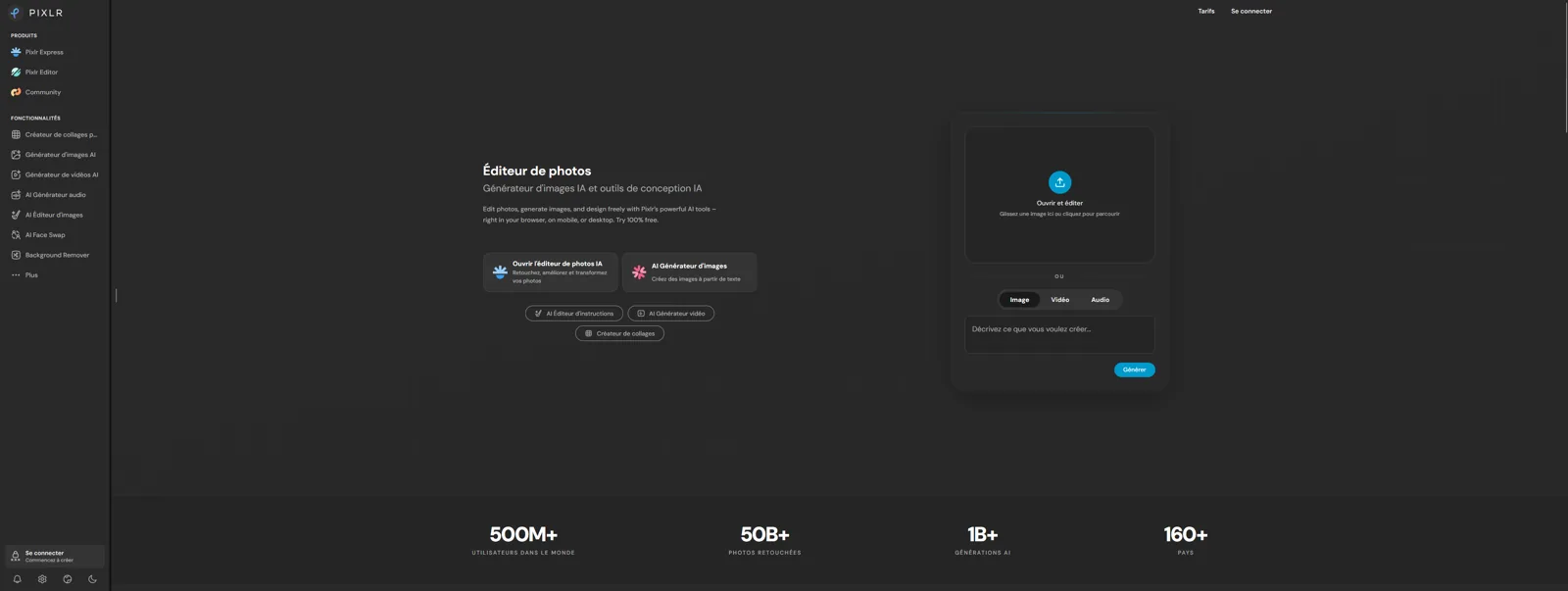
A good compromise for a full web editor without Photoshop's price, with AI as a bonus.
Pixlr pricing
Pricing verified in June 2026, subject to change — check the official site.
Pros and cons
Strengths
- Full editor in the browser
- Affordable
- Built-in AI tools (generation, fill)
Weaknesses
- Ads on the free tier
- Less powerful than Photoshop
- Region-dependent pricing
Who is it for?
Those who want a full, affordable browser photo editor with AI.
Use cases
Pixlr vs Midjourney
| Pixlr | Midjourney | Leonardo AI | |
|---|---|---|---|
| Pricing | Free · Plus $2.49/mo · Premium $9.99 · Ultra $24.99 · Ultra MAX $49.99 | Basic $10/mo · Standard $30 · Pro $60 · Mega $120 | Free · Essential $12/mo · Premium $30 · Ultimate $60 |
| Level | Beginner | Pro | Beginner |
| Verdict | Recommended | Top pick | Recommended |
Pixlr in video
Frequently asked questions
- Is Pixlr free?
- Pixlr offers a free version, then paid plans (Free · Plus $2.49/mo · Premium $9.99 · Ultra $24.99 · Ultra MAX $49.99).
- Who is Pixlr for?
- Those who want a full, affordable browser photo editor with AI.
- What are the alternatives to Pixlr?
- Alternatives to Pixlr include: Midjourney, Leonardo AI, Canva (Magic Studio). Compare them to choose based on your needs and budget.
Best alternatives to Pixlr

Midjourney
The aesthetic benchmark for image generation.

Leonardo AI
Flexible image generation, with a real free tier.

Canva (Magic Studio)
The mainstream design suite, supercharged with generative AI.