

Canva (Magic Studio): review, test, pricing and alternatives (2026)
The mainstream design suite, supercharged with generative AI.
Canva (Magic Studio) — The mainstream design suite, supercharged with generative AI. Entrepreneurs, community managers and teams producing daily visuals without a dedicated designer. Editorial rating: 4/5 (Recommended).
What is Canva (Magic Studio)?
Canva spent a decade democratizing design: turning a Photoshop-pro discipline into a few drag-and-drops anyone can manage. With Magic Studio, the company applies the exact same recipe to generative AI — not chasing the technological cutting edge, but making these features usable by everyone, right where people already build their visuals.
The result is a coherent toolkit: image generation (Magic Media), edit-by-text-prompt retouching (Magic Edit), background removal, assisted writing (Magic Write), one-click resizing of a visual into every format, and even full-presentation generation from a prompt. All without leaving the app, amid a colossal template library.
That's also where its limits sit, and they're owned: for sheer image beauty, Midjourney or Leonardo stay ahead; the AI features are quota-capped on the free tier; and a seasoned designer will find less fine control than with pro tools. But for an entrepreneur, a community manager or a team with no dedicated designer, Canva remains the shortest path from idea to a clean visual.
Our verdict: for anyone who isn't a designer but needs clean visuals fast — entrepreneur, community manager, small team — Canva is our pick, no hesitation. If you're after the most beautiful image or pro-level control, round it out with a dedicated generator and an advanced design tool.
Canva (Magic Studio) review: our hands-on test
Canva (Magic Studio)
Official visual coming soon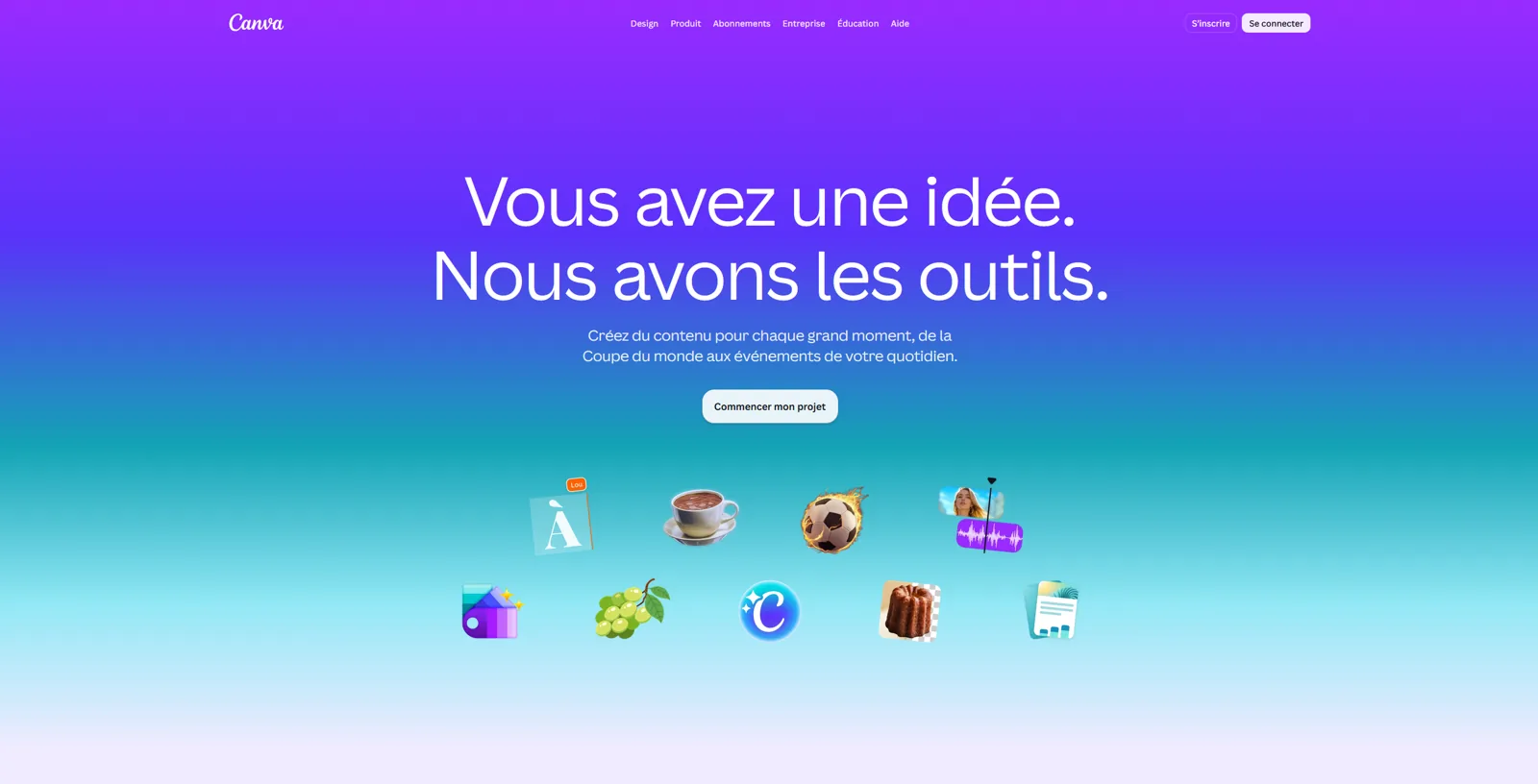
Not the best AI on the market piece by piece, but by far the most accessible: everything in one place, and it works. The tool we recommend to people who 'can't design'.
Canva (Magic Studio) pricing
Pricing verified in June 2026, subject to change — check the official site.
Pros and cons
Strengths
- AI built into the place you already design
- Magic Media, Magic Edit, Magic Write in one spot
- Almost zero learning curve
- Huge template library
Weaknesses
- Image generation below Midjourney/Leonardo
- AI features quota-limited on the free tier
- Less control than a professional design tool
Who is it for?
Entrepreneurs, community managers and teams producing daily visuals without a dedicated designer.
Use cases
Canva (Magic Studio) vs Leonardo AI
| Canva (Magic Studio) | Leonardo AI | Ideogram | |
|---|---|---|---|
| Pricing | Free · $15/mo | Free · Essential $12/mo · Premium $30 · Ultimate $60 | Free · $8/mo |
| Level | Beginner | Beginner | Beginner |
| Verdict | Recommended | Recommended | Recommended |
Canva (Magic Studio) in video
Frequently asked questions
- Is Canva (Magic Studio) free?
- Canva (Magic Studio) offers a free version, then paid plans (Free · $15/mo).
- Who is Canva (Magic Studio) for?
- Entrepreneurs, community managers and teams producing daily visuals without a dedicated designer.
- What are the alternatives to Canva (Magic Studio)?
- Alternatives to Canva (Magic Studio) include: Leonardo AI, Ideogram, Adobe Firefly. Compare them to choose based on your needs and budget.
Best alternatives to Canva (Magic Studio)

Leonardo AI
Flexible image generation, with a real free tier.

Ideogram
The image generator that finally renders legible text.

Adobe Firefly
Adobe's commercially-safe generative AI (image, video, vector).