

monday.com: review, test, pricing and alternatives (2026)
The all-in-one work management platform, boosted with AI.
monday.com — The all-in-one work management platform, boosted with AI. Teams that want to centralize projects, processes and collaboration on a flexible platform. Editorial rating: 4/5 (Recommended).
What is monday.com?
monday.com is a chameleon. Behind its colorful boards and playful look sits a 'Work OS': a platform each team shapes into whatever it needs — project management, sales CRM, marketing tracking, product roadmap, HR. Rather than imposing a use, it provides building blocks (columns, Kanban/Gantt/calendar/workload views, no-code automations) you assemble without writing a line of code.
The 'monday AI' layer fits that customization logic: it generates tasks, summarizes long threads, writes text, classifies incoming requests and triggers automations from natural-language instructions. For a team that wants to centralize projects and processes instead of juggling ten tools, it's a very effective rallying point, and the highly visual feel eases adoption.
The flip side of that flexibility: pricing is per user and climbs fast as the team and features grow, the free tier is capped at 2 people, and at scale the freedom to configure everything can tip into complexity if no one holds the wheel. An excellent organizational backbone, provided you scope its rollout.
monday.com review: our hands-on test
monday.com
Official visual coming soon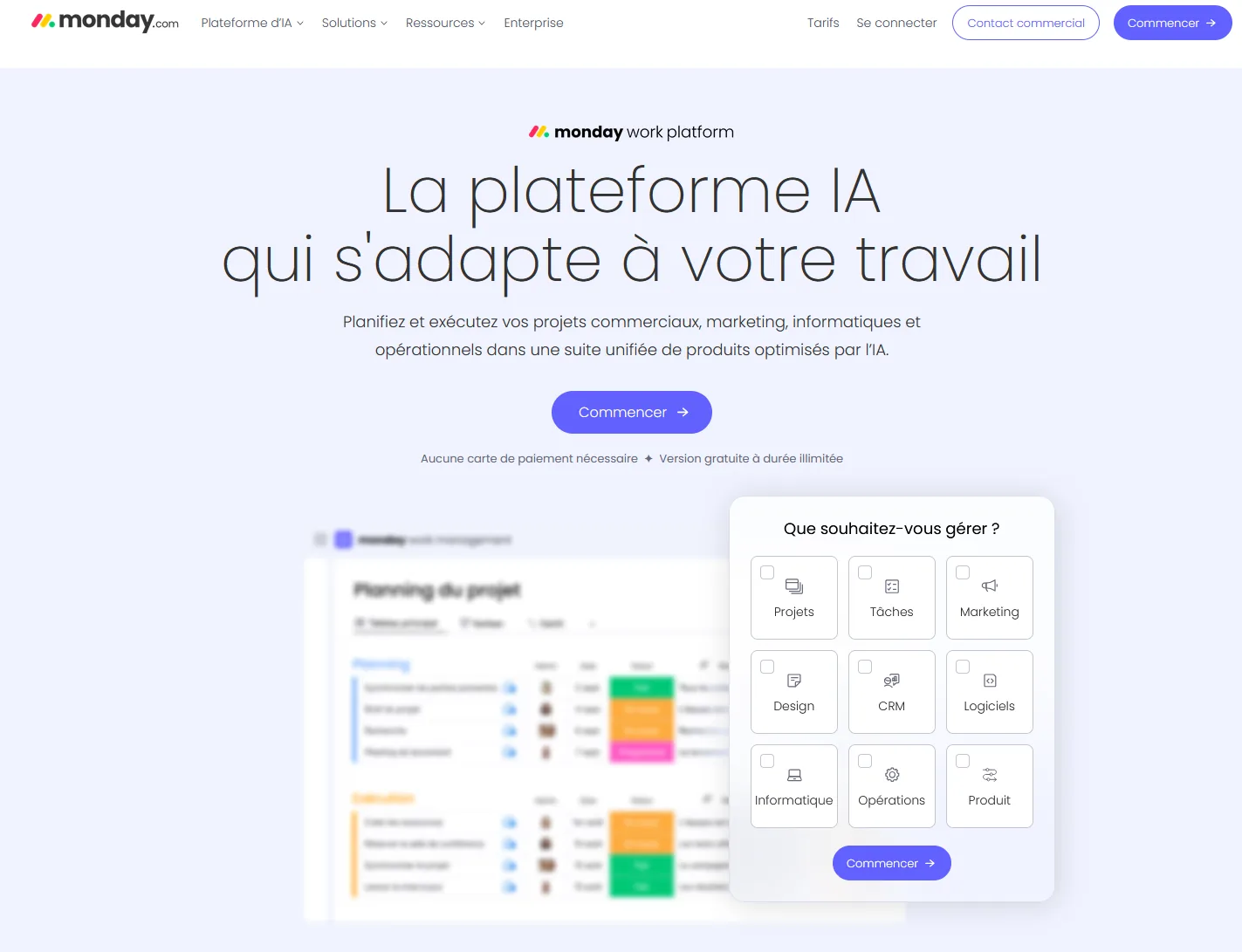
A chameleon platform that adapts to almost any workflow. Just mind the per-user bill as the team grows.
monday.com pricing
Indicative pricing (June 2026), subject to change — check the official site.
Pros and cons
Strengths
- Very visual and customizable
- Powerful no-code automations
- Covers projects, CRM, marketing, product
- Many integrations
Weaknesses
- Price climbs with users and features
- Can get complex at scale
- Free tier limited to 2 people
Who is it for?
Teams that want to centralize projects, processes and collaboration on a flexible platform.
Use cases
monday.com vs Zapier
monday.com in video
Frequently asked questions
- Is monday.com free?
- monday.com offers a free version, then paid plans (Free (2 seats) · from $9/user/mo).
- Who is monday.com for?
- Teams that want to centralize projects, processes and collaboration on a flexible platform.
- What are the alternatives to monday.com?
- Alternatives to monday.com include: Zapier, HubSpot, Pipedrive. Compare them to choose based on your needs and budget.
Best alternatives to monday.com

Zapier
Connect your apps and automate without code.

HubSpot
The all-in-one CRM with Breeze AI throughout.

Pipedrive
The visual sales CRM, now AI-assisted.