

Aider: review, test, pricing and alternatives (2026)
The open-source AI pair programmer, in your terminal.
Aider — The open-source AI pair programmer, in your terminal. Terminal-comfortable developers who want a free, transparent pair programmer. Editorial rating: 4/5 (Recommended).
What is Aider?
Aider is the option for the developer who wants to stay in control. Against proprietary AI editors (Cursor) and closed agents, it's an open-source command-line tool, lightweight and radically transparent: it edits your code directly in the repo and makes clean Git commits for each change — you see exactly what changes, and the history stays reversible.
Its other freedom is model choice: you plug in whatever LLM you want (your Claude or GPT API key, or even a local model that sends no data off your machine). For someone who lives in the terminal and cares about privacy as much as tech independence, it's a little gem.
The trade-offs are owned: you need command-line comfort (no GUI), and 'free' doesn't mean costless — you pay your LLM usage (except a local model, at $0). Less turnkey than a Cursor, but unbeatable on transparency, control and model freedom.
Aider review: our hands-on test
Aider
Official visual coming soon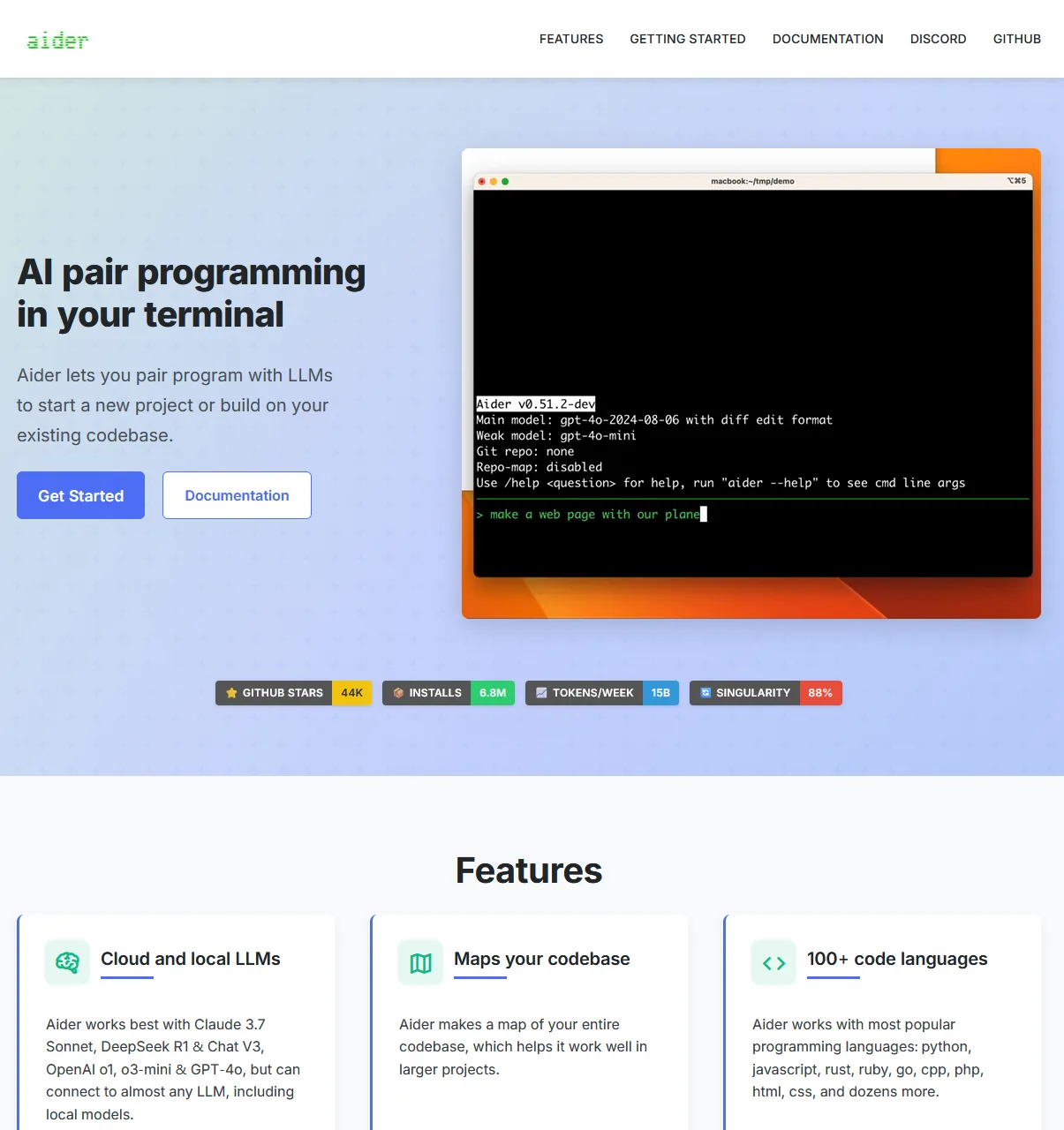
An open-source gem for terminal coding with the model of your choice; transparent and free.
Aider pricing
Indicative pricing (June 2026), subject to change — check the official site.
Pros and cons
Strengths
- Open source and free
- Git-native (clean commits)
- Model of your choice (BYO key / local)
Weaknesses
- Command-line comfort required
- Indirect cost = your LLM API
- No GUI
Who is it for?
Terminal-comfortable developers who want a free, transparent pair programmer.
Use cases
Aider vs Cursor
| Aider | Cursor | GitHub Copilot | |
|---|---|---|---|
| Pricing | Free (open source) · you pay your LLM API | Free · $20/mo (Pro) | $10/mo · free (students) |
| Level | Pro | Pro | Pro |
| Verdict | Recommended | Top pick | Top pick |
Aider in video
Frequently asked questions
- Is Aider free?
- Yes, Aider is free.
- Who is Aider for?
- Terminal-comfortable developers who want a free, transparent pair programmer.
- What are the alternatives to Aider?
- Alternatives to Aider include: Cursor, GitHub Copilot, Replit. Compare them to choose based on your needs and budget.
Best alternatives to Aider

Cursor
The AI code editor that understands your whole project.

GitHub Copilot
The code copilot built into your editor.

Replit
Code, host and deploy from the browser, with an AI agent.